Add Oracle Instant Client
Learn how to configure Oracle Instant Client in EXAoperation.
You can use Oracle Instant Client to connect to an Oracle database and load data using the IMPORT FROM ORA syntax.
Download Oracle Instant Client
Download Oracle Instant Client 12.1.0.2.0 from the Oracle website to your local machine.
Oracle Instant Client 12.1.0.2.0 is the only version supported in Exasol 7.1.
Configure the client in EXAoperation
-
Log in to EXAoperation as an Administrator user.
-
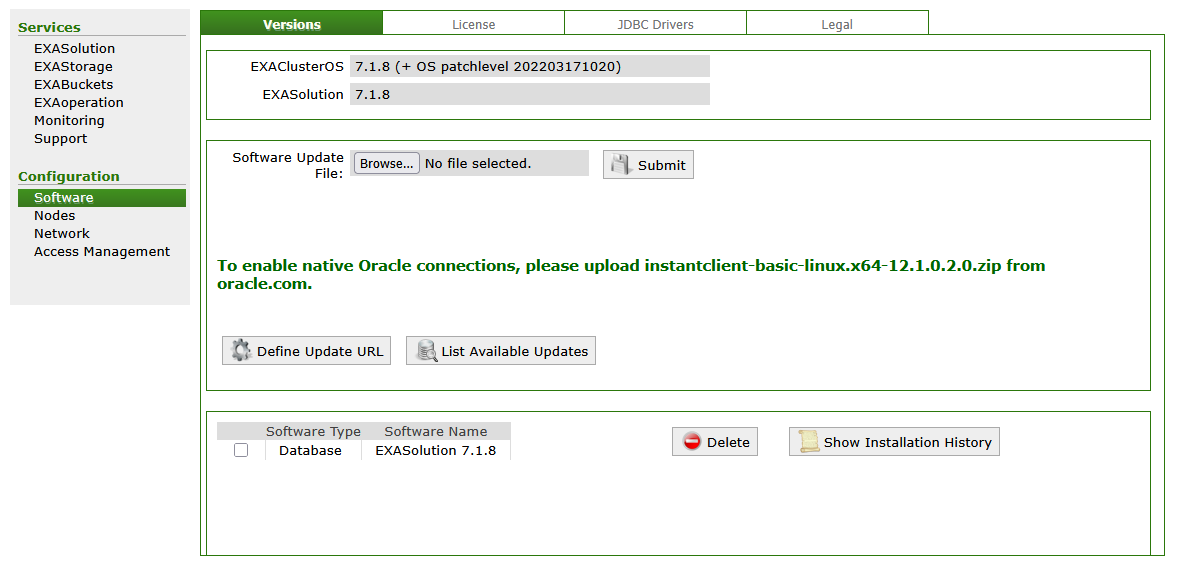
Go to Configuration > Software > Versions.
-
Click on Browse... and select the downloaded Oracle client in the file manager, then click on Open.
-
Click on Submit to upload the driver.
To learn more about how to connect and load data from an Oracle database, see Load data from Oracle and IMPORT.