Edit worksheets
Learn how to change the connection for a worksheet and how to rename and delete worksheets.
Edit a worksheet connection
-
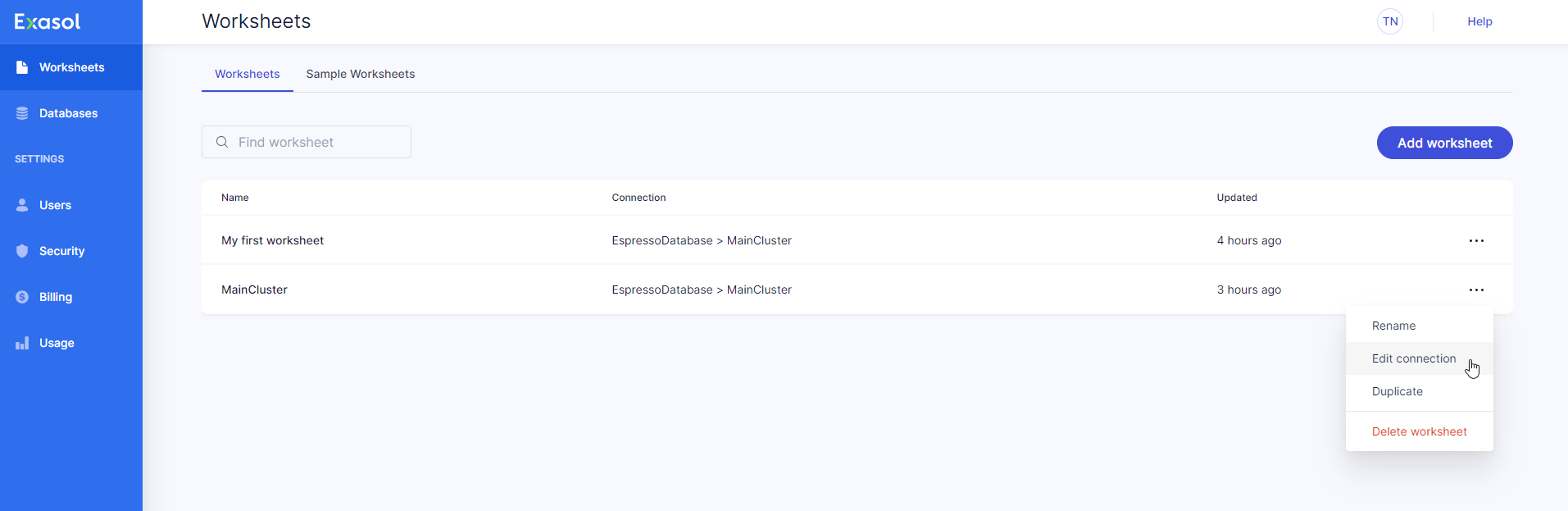
On the Worksheets page, click on on the desired worksheet and select Edit connection from the dropdown menu.
-
Select the database and/or cluster that you want to connect the worksheet to.
-
Click on Update to apply the change or Close to cancel the operation.
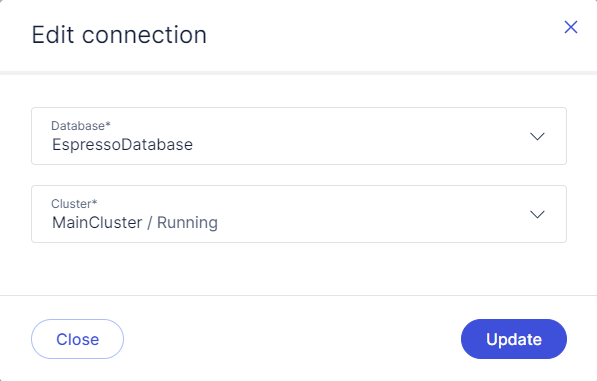
You can also click on the database and cluster name in an open worksheet to edit the connection details.
Rename a worksheet
-
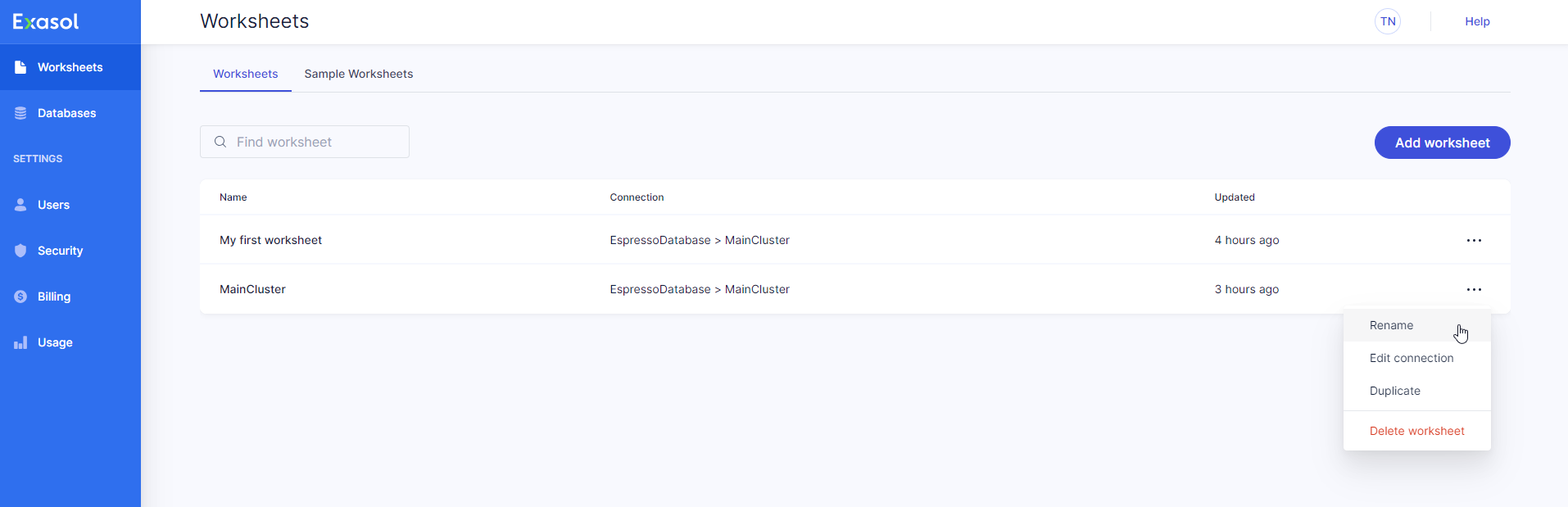
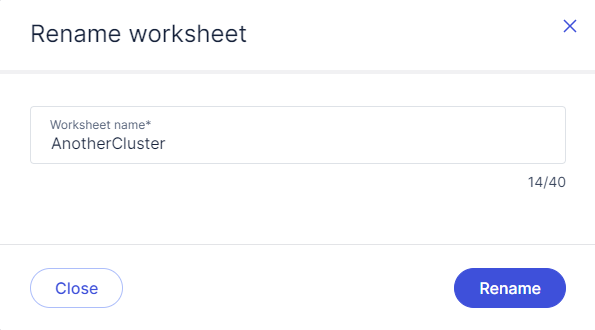
On the Worksheets page, click on on the worksheet you want to rename and select Rename from the dropdown menu.
-
Click on Rename to apply the change or Close to cancel the operation.
Delete a worksheet
-
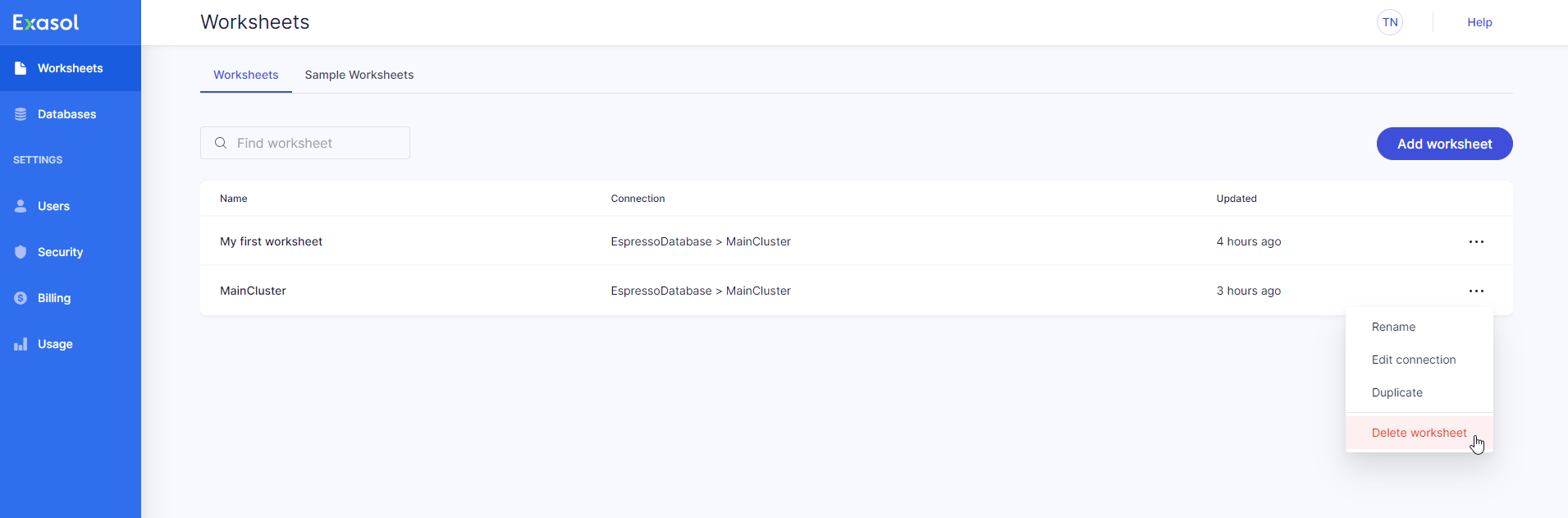
On the Worksheets page, click on on the worksheet you want to delete and select Delete worksheet from the dropdown menu.
-
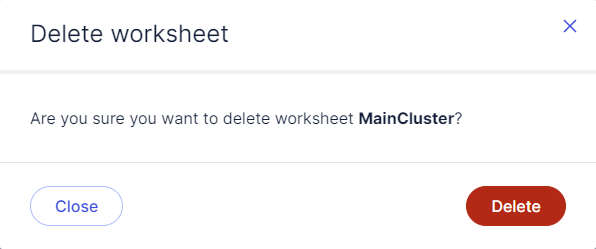
Click on Delete to permanently delete the worksheet or Close to cancel the operation.