View details
Learn how to view details about a database or cluster in Exasol SaaS.
To view detailed information about the database, including the connection details that you need when connecting from a tool, click on the info icon on the database or cluster in the web console.
Database details
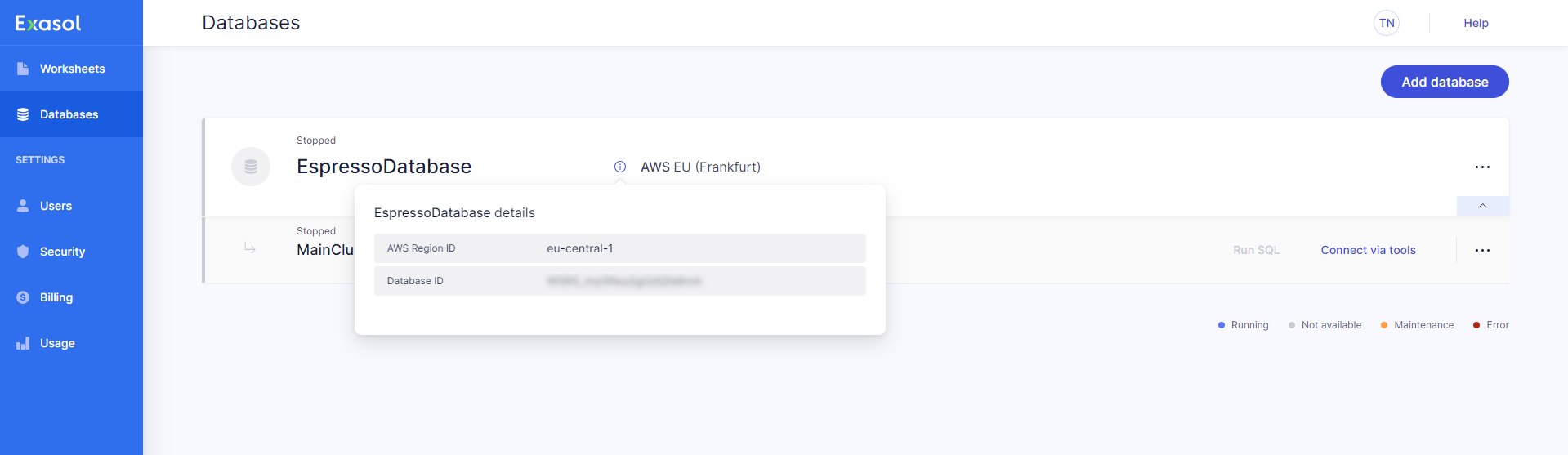
| AWS Region ID | The AWS region where the database is provisioned |
| Database ID | The database ID |
Cluster details
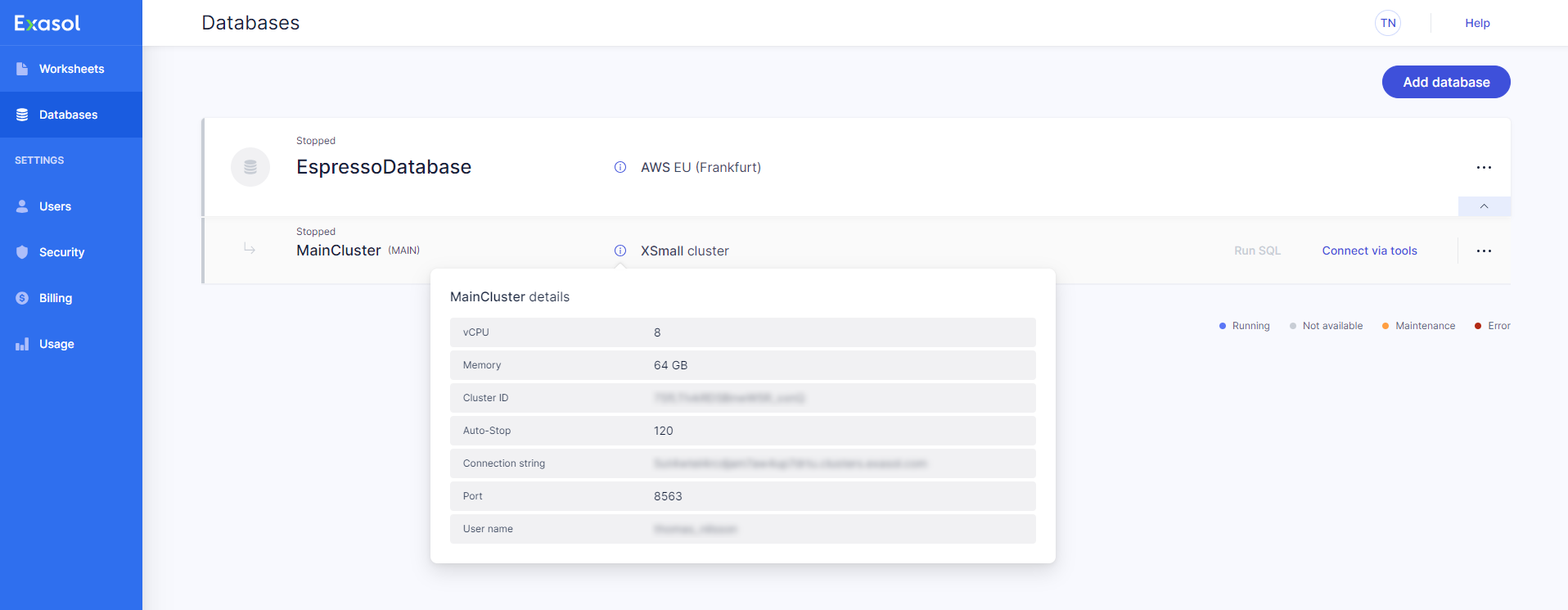
| vCPU | The number of virtual CPUs used for the cluster (determined by the instance type) |
| Memory | The amount of RAM available for the cluster (determined by the instance type) |
| Cluster ID | The cluster ID |
| Auto-Stop | The time period in minutes after which the cluster is stopped if there is no activity |
| Connection string | The connection string to use when connecting to the cluster from a tool |
| Port | The port to use when connecting to the cluster from a tool |
| User name | The user name to use when connecting to the cluster from a tool |
